


A combination of globalization and rising incomes means that Filipinos are traveling both locally and overseas more than ever before. Given that Filipinos also count themselves among the world’s heaviest internet users, being able to stay connected while avoiding excessive phone charges and serious security issues is a must. The challenges, however, are not always clear or so straightforward to solve.
Luckily, we have a few tips that will help you meet your most pressing telco needs without breaking the bank. Go through this list before your next trip to stay connected without compromising your data security or racking up enormous roaming charges:
1. Get Prepaid Travel Plans
Most Philippine telco providers offer travel-specific prepaid plans that bundle data, calls, and text messages for international use. Depending on your usage, these plans can cost a lot less than standard roaming rates; they also eliminate the guesswork of international connectivity charges.
However, if you’re a prepaid user and don’t expect to need a lot of data, it may be wiser to skip these plans and instead simply load up on prepaid credits. You can look for a provider that offers load with cashback for even more savings.
2. Get an International SIM or eSIM
If you’re going for an extended trip abroad, international SIM cards like Holafly may be just the thing for avoiding exorbitant roaming fees. While there may be a higher upfront cost to these SIMs, they should offer affordable local rates for both calls and data across multiple countries, making them ideal in some circumstances. Even better, you can sometimes get them as virtual “eSIMs”, eliminating the need for a physical card. If you install these before your trip, you may be able to connect to the internet almost immediately upon arrival.
3. Download Offline Maps
GPS and navigation apps tend to require a massive use of data resources. To avoid using up too much of your data, download offline maps from Google Maps or similar apps before you leave or when you have access to a secure WiFi connection. The other benefit of offline maps is that you’ll have access to navigation without an internet connection, which can be handy when you’re out hiking or find yourself in less-developed regions. Your offline maps should also help you find landmarks, restaurants, and other places of interest even without a signal.
4. Use Messaging Apps
Messaging apps like WhatsApp, Viber, or Facebook Messenger enable you to communicate over Wi-Fi, reducing the need for traditional phone calls or texts and the costs that come with them. You probably already knew this, but it bears repeating since roaming costs can be significantly higher than what you’re used to paying in your local plan.
5. Enable Data Roaming Wisely
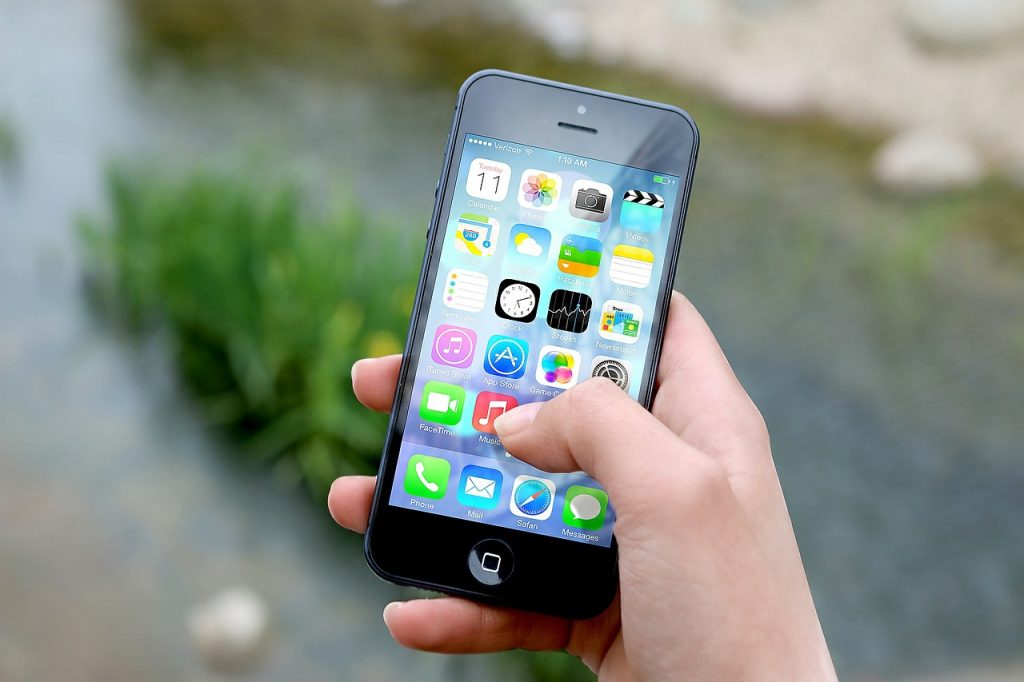
If you must use your regular mobile data, enable roaming only when necessary. Automatic updates and background apps could consume copious amounts of data without your knowledge. If you need to activate data roaming, be sure to set data limits or disable certain apps from accessing data while on this type of connection. This helps keep your bill under control and keeps you from getting cut off at inconvenient times.
6. Rent Portable Wi-Fi Hotspots
A portable Wi-Fi hotspot device (often referred to as “pocket Wi-Fi”) lets you securely connect multiple devices to the internet without using your phone’s data. These devices are rentable through travel agencies and in many international airports, providing you with more secure and often faster internet access than public Wi-Fi.
7. Carry Extra Chargers and Adapters
It’s easy to run out of battery when relying heavily on your phone for maps, translations, and general connectivity. A high-capacity portable charger and regionally appropriate adaptors ensure that you won’t find yourself without power in the middle of the day. If you have a particularly old phone that drains fast, consider having the battery or the entire device replaced before you embark on your trip.
8. Be Careful When Using Public Wi-Fi
Public Wi-Fi is often unsecured, leaving you vulnerable to cyberattacks or data theft. Using a virtual private network (VPN) keeps sensitive information like passwords or payment details safe while also giving you access to region-restricted content.
9. Backup Your Data
Before you embark on your travels, make sure to back up all your important personal and business data to cloud services like Google Drive, iCloud, or similar services. It can be all too easy to lose devices when you’re traveling and taking this simple precaution can spare you a lot of grief, later on.
Find Smarter Ways to Stay Connected
Whether you’re traveling on business or simply want to keep in constant touch with your loved ones, planning your telecommunications needs before your trip will help you avoid massive fees when you get back. Thanks to digital transformation and a rise in global travel, the challenge of keeping in touch these days is more about finding the most cost-effective solutions out of a sea of connectivity options. With these tips, you should be able to find ways to cover your most pressing connectivity requirements without overspending on your travel budget.


