

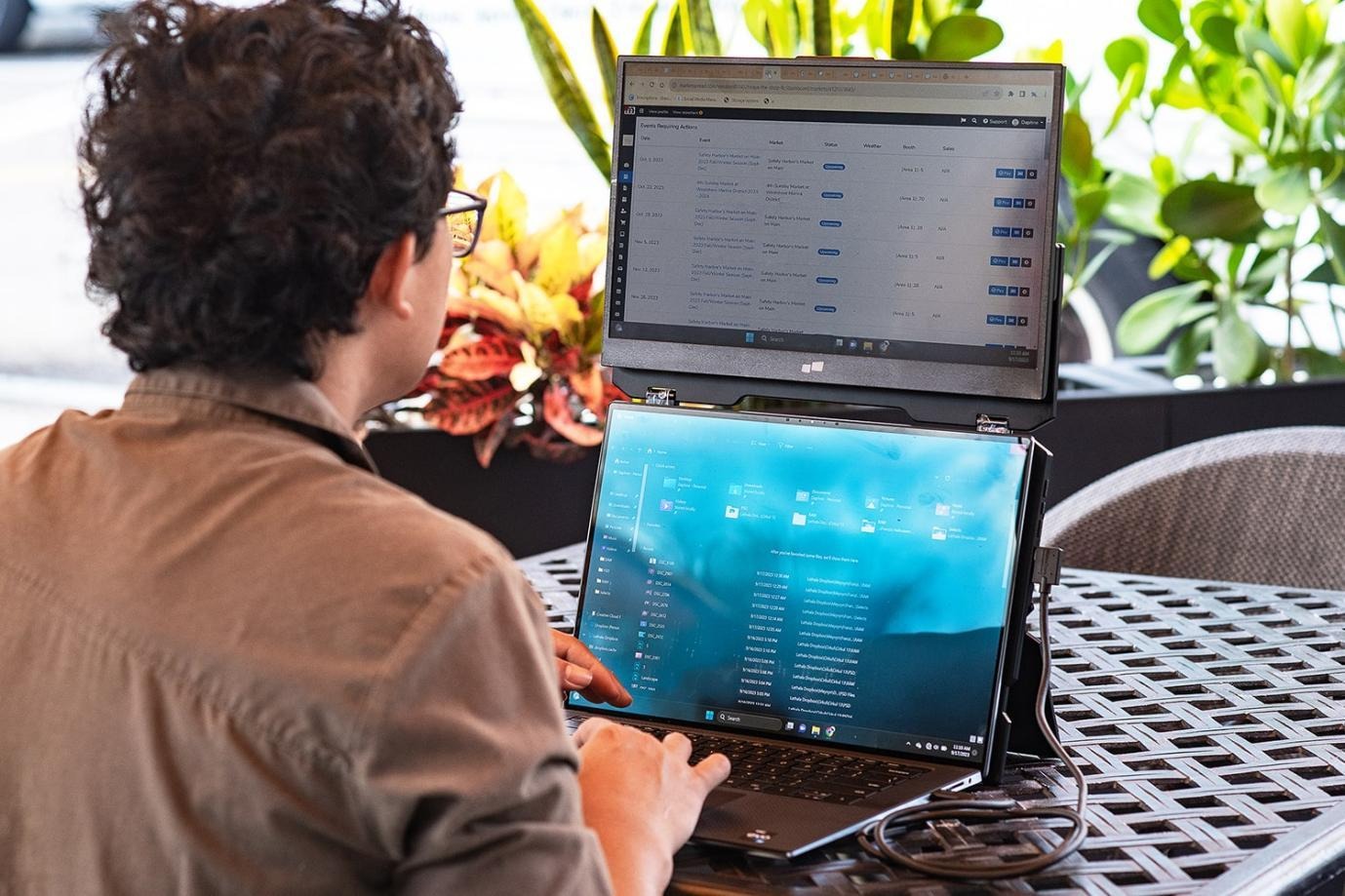
When you have a single laptop screen, working comfortably on the go is tough. Whether you are flying from your plane seat or moving in an airport lounge, a dual-screen workstation opens more space for multitasking. Let’s see how you can create a portable dual-screen workstation wherever you go on any flight.
Before: What Working on a Plane Usually Looks Like
Common productivity problems
It is hard to multitask with a small laptop screen. You have to go back and forth continuously across spreadsheets and other supporting records. It makes data entry difficult and also raises the likelihood of errors.
- The timeline, preview window, and editing tools all compete for the same precious screen space when it comes to video editing.
- A common one among developers is that code, documentation, and the terminal may not be visible at the same time.
- Emails interrupt focused work all the time.
- Research largely takes over our browser with scores of tabs, notes, and reference documents.
Clearly — it is hard to manage on a single viewport.
Why does airplane work feel slower?
Airplane workspaces are naturally restrictive. Restricted tray table space reduces comfort. It makes you think about where a device can be placed, while the ergonomics of travel products can lead to neck and shoulder pain when traveling longer distances.
Besides, juggling between apps disrupts focus and is a waste of precious time. This forces you to spend more energy on locating the right window or re-opening hidden files than doing work that matters.
After: A Dual-Screen Workstation at 35,000 Feet
What changes with a second display
A second screen changes your work-from-the-plane setup to a more productive and tidy one in the sky. While you keep email, Slack, Microsoft Teams, or Zoom chats open on that dedicated screen, your laptop can focus on the job at hand.
It helps you keep your focus. And it reduces the need for constant window switching. Everything runs much more fluidly so that research, documents, spreadsheets, and presentations can all be opened in full view at once.
Best for
A dual-screen workstation will be useful to business travelers who fly between meetings and flights. One can not take his work with him while on a trip. This is more likely for remote employees. Some professionals who can get the most benefits are:
- Business travelers
- Remote employees
- Digital nomads
- Students
- Designers
- Developers
- Financial analysts
Why DUEX Works Well for Air Travel
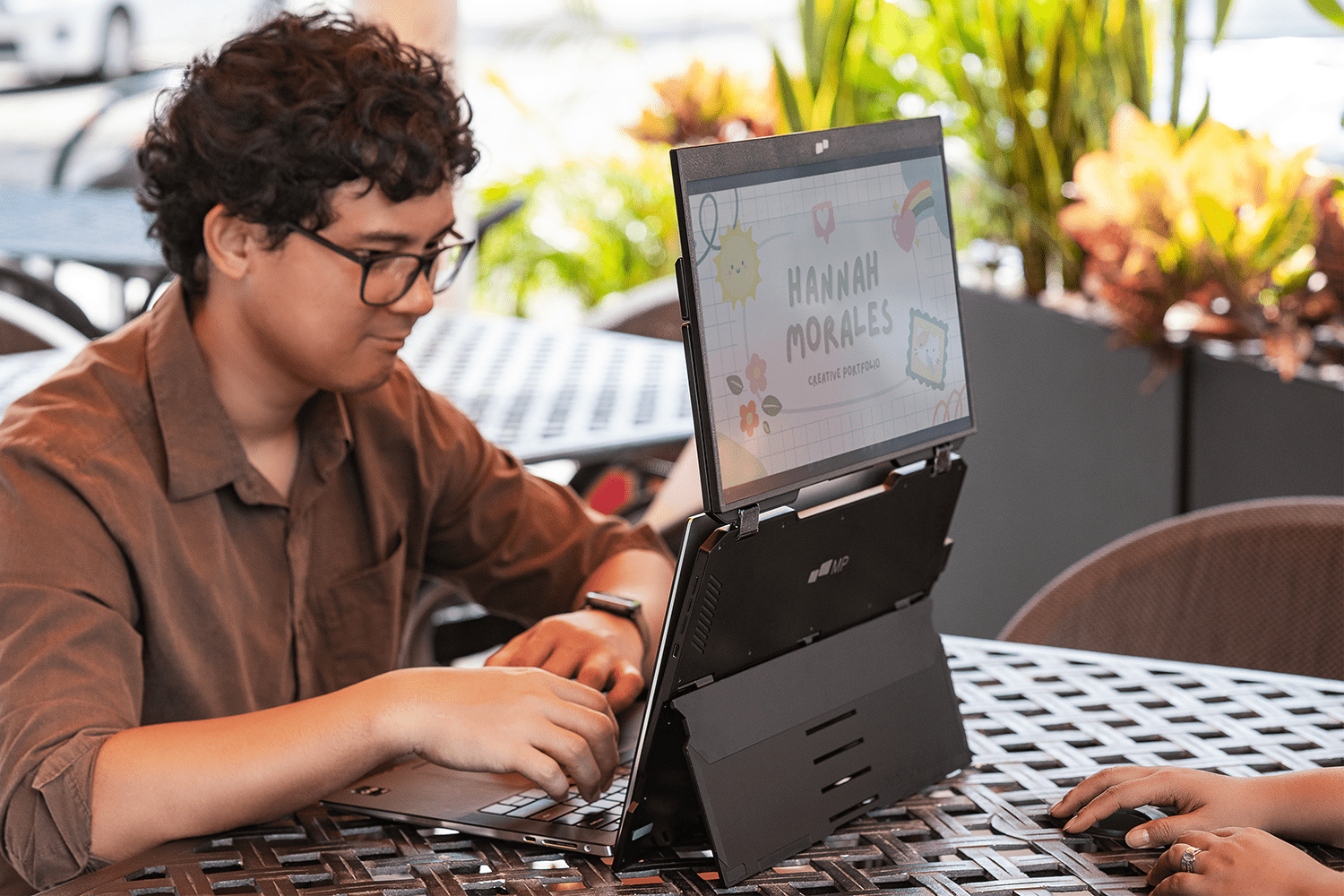
Mobile Pixels DUEX series portable monitor is one of the best options for you to pick for your next trip. Let’s see how!
- Compact and travel-friendly design: DUEX is designed for busy professionals who want an easy second screen without adding bulk to their travel kit.
- Quick setup: You can set up DUEX in just a few moments. All you need to do is connect your supported laptop to the monitor, mirror, or extend it and start working.
- Stable during flights: Its robust connection secures your display in place even in limited seating spaces.
Which Airlines Have Enough Tray Table Space?
Tray table space differs more by aircraft than by airline. The biggest difference is that most premium economy and business class seats have larger, heavier tables that can adequately support a dual-screen workstation. Typically, wide-body aircraft provide a little more usable space compared to narrow-bodies in economy, so always check your aircraft type and seat configuration before flying.
Packing Checklist for a Dual-Screen Flight Setup
There is a packing checklist that can help you with a quick dual-screen flight setup. Let’s check it out!
Essentials
- DUEX portable monitor
- Laptop
- Charging cable
- USB-C cable
- Power adapter
- Portable battery (airline-compliant)
- Mouse
- Compact keyboard (optional)
Comfort items
- Laptop stand (if practical)
- Headphones
- Screen cleaning cloth
- Cable organizer
- Notebook and pen
Travel-ready extras
- Universal travel adapter
- Backup storage drive
- Privacy screen
- Device sleeve
Conclusion
The dual-screen workstation gets work done while in-flight without complicating things. Pick a lighter-weight, more portable kit. Have it arranged before take-off and comply with your airline’s rules for working the setup. It will help you to be efficient for any necessary deadline while on the go.


